



Table of contents
What does sublimation printing mean, and is it right for your custom products? It’s a method where dye turns into a gas at high heat and bonds with the material, rather than sitting on top of it. You get a print that won’t crack or peel, even after multiple washes.
If you run a print-on-demand store, sublimation lets you sell products like all-over-print apparel, mugs, and home decor, with striking designs that cover the entire surface. In this guide, we’ll show you how sublimation works, its pros and cons, and how it compares to other methods.
What is sublimation printing?
Sublimation refers to a digital printing process that uses heat, pressure, and time to transfer dye directly into a material. The ink turns into a gas and bonds with the material at a molecular level, so the design becomes part of the item rather than a layer sitting on top of it.
Because sublimation embeds the dye into the material and skips the liquid stage, the print resists cracking and peeling, and the design can retain its color through multiple washes.
The process works on synthetic fabrics like polyester, polymer-coated surfaces, ceramic, aluminum, and glass.
How does sublimation work?
Sublimation printing works in four steps:
-
You print your design onto special transfer paper using sublimation inks and an inkjet printer.
-
You place the printed sublimation paper onto your product and apply heat.
-
The high heat and pressure turn the solid dye into a gas, which the material absorbs.
-
The sublimation dye cools and sets, leaving a permanent print that won’t fade or crack over time.

What are the pros of sublimation printing?
Sublimation printing offers five advantages compared to other printing methods:
Vibrant and detailed printing results
The dye sublimation process produces vibrant prints with an unlimited range of colors. Because the dye bonds with the material rather than layering on top, gradients and photographic designs come out clean, with no dot pattern or raised edges.
Long-lasting prints
Sublimation shirt printing fuses the dye with the fibers, making it part of the material itself. That means nothing sits on top to crack, peel, or fade, and the finished print retains the fabric’s original feel.
Quick turnaround time
The whole sublimation printing process is quick because it’s digital. Unlike traditional printing methods like screen printing, there are no physical screens or plates to prepare, so the design transfer process can be faster.
Wide product variety
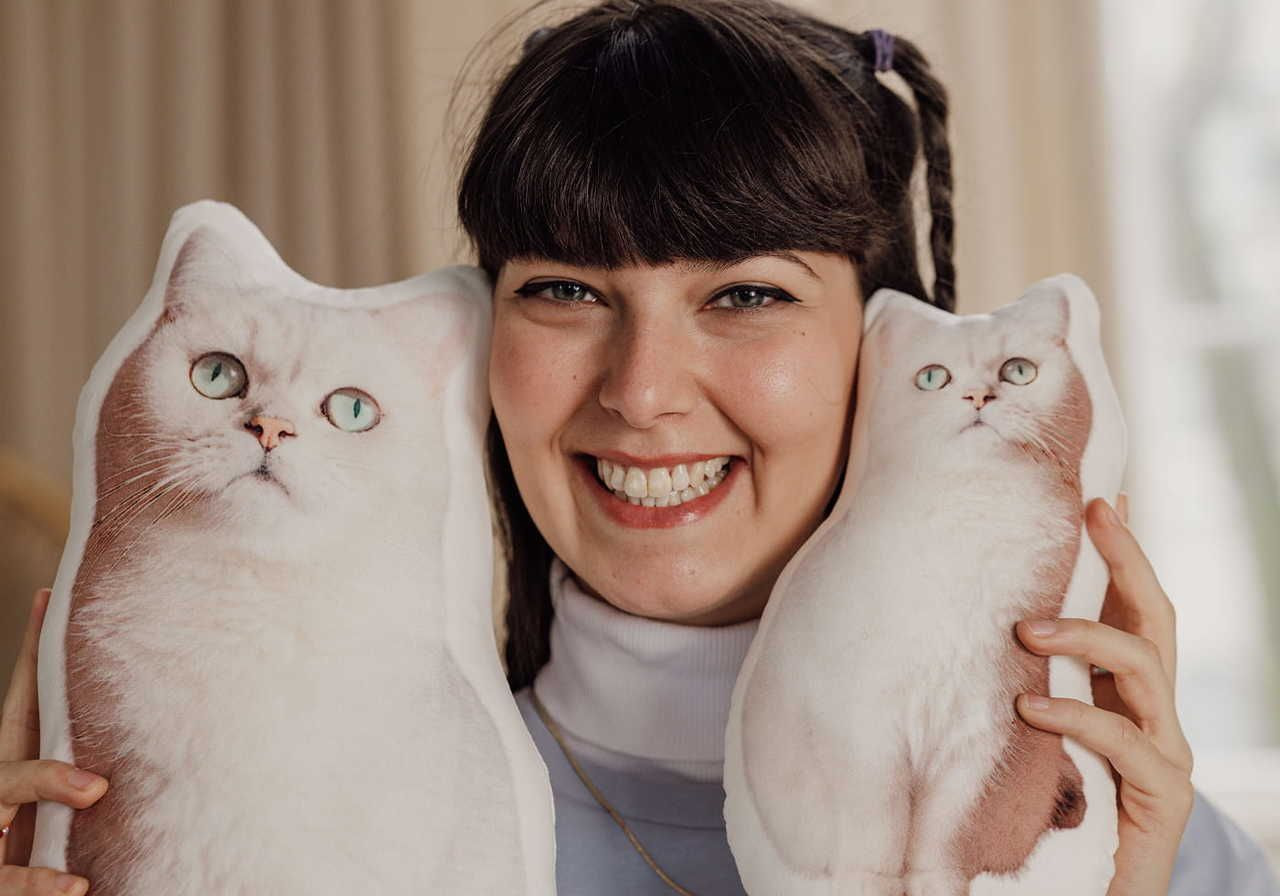
There’s an extensive range of sublimation blanks, from clothing and accessories to home goods, so you can make everything from personalized t-shirts and customizable gifts to branded merchandise using the same printing method.
No order minimums
Dye sublimation printing has no minimum quantity requirement, so a print-on-demand service like Printful lets you order one-off sublimated products without committing to inventory. You can test different items to find what your customers respond to without tying up money in stock.


What are the cons of sublimation printing?
Sublimation printing has three main limitations worth weighing before you commit to it:
Material limitations
Dye sublimation printers only work on 100% polyester materials, high-polyester blends, or hard goods with a polyester coating – such as ceramic mugs.
The lower the polyester count, the more the print may fade, because the sublimation ink needs synthetic fibers to bond properly and last.
Blanks made from cotton, silk, or leather aren’t an option: the sublimation dye won’t adhere to natural fibers and washes out quickly. If you want to print on those materials, direct-to-garment (DTG) or direct-to-film (DTF) is the better route.
Base color limitations
Sublimation is only available on white or very light products because there’s no white ink in the process, and the dye can’t lighten the underlying base color.
You can sublimate onto silver-colored products, like water bottles, but the results won’t be as vibrant as on a white base. On darker colors, the sublimation dye can still transfer, but you’ll only see a faint trace.
White creasing
White creasing occurs when parts of a ready-made garment, such as a pre-sewn t-shirt, don’t print fully, leaving white streaks along seams or wherever the fabric folds during heat pressing.
Printful avoids this with the cut-and-sew method, also called all-over printing (AOP). Your design is first printed onto flat fabric, then the pieces are cut and sewn into the finished product. This provides full, seam-to-seam coverage with fewer gaps.
What can you sublimate on?
Sublimation prints on a wide range of products, from apparel and accessories to mugs and home decor, all made from materials with a high polyester content or a polyester-coated surface. Here’s a closer look at the print-on-demand sublimation products Printful offers.
Apparel
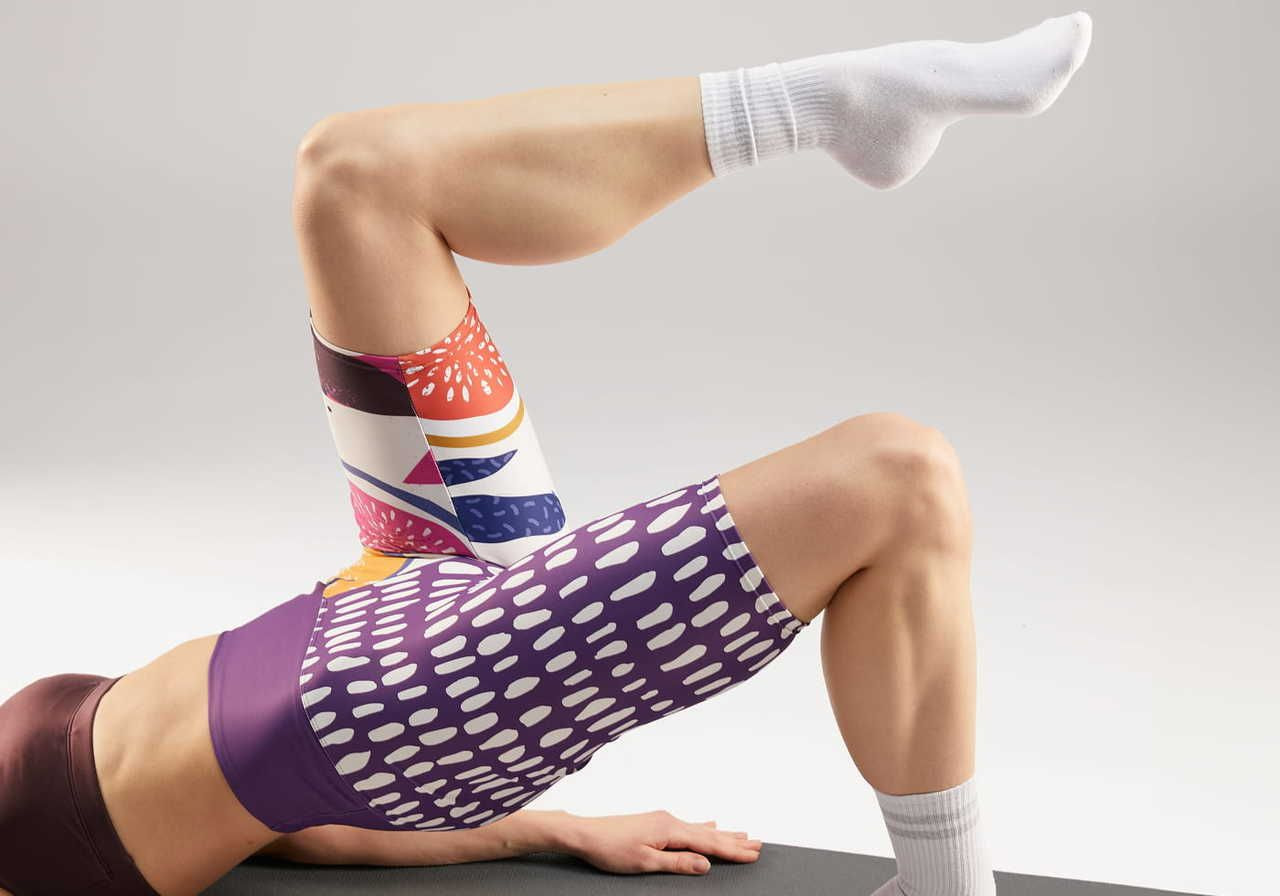
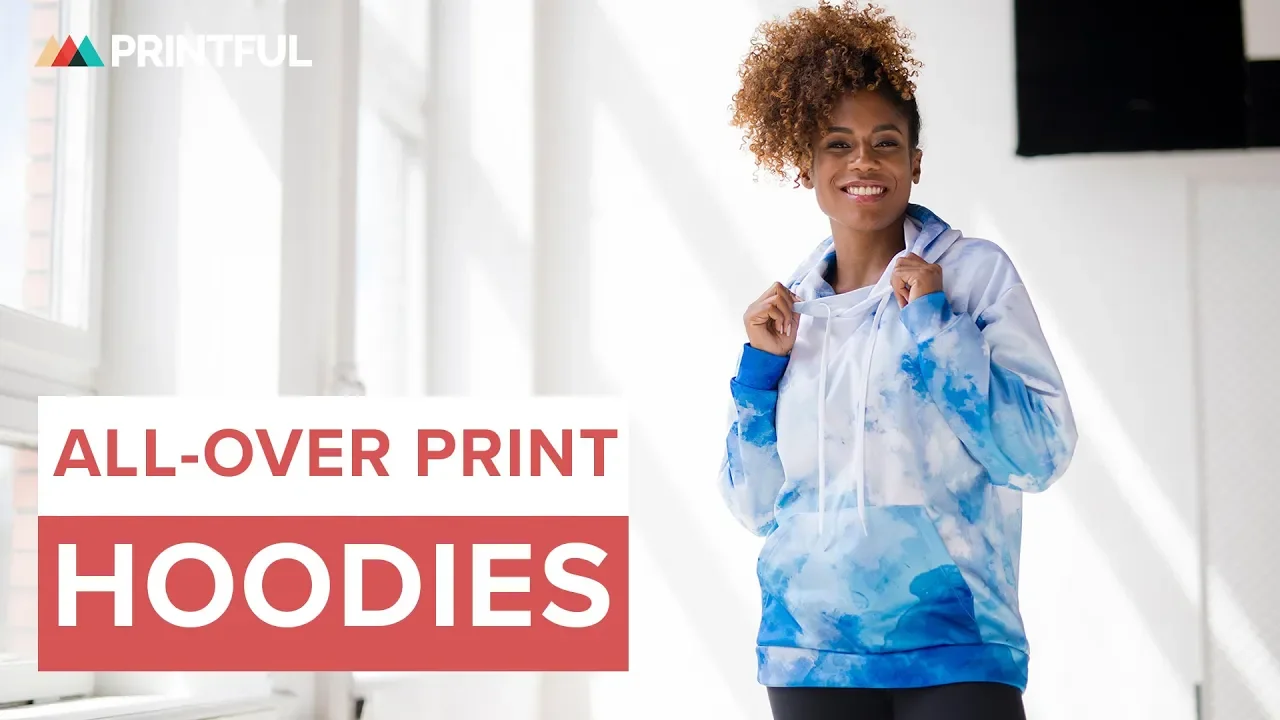
Dye sublimation can print on polyester t-shirts, sweatshirts, hoodies, windbreakers, leggings, and more.
One advantage over other printing methods is coverage. You can create sublimation designs across a cropped windbreaker, a midi dress, or track pants edge-to-edge, without being limited to a small print area.
Browse more all-over print apparel:
Quick tip: Prefer natural fabric? Printful’s all-over cotton technique gives you the same seam-to-seam coverage on cotton garments using water-based pigment inks instead of dye.
Accessories
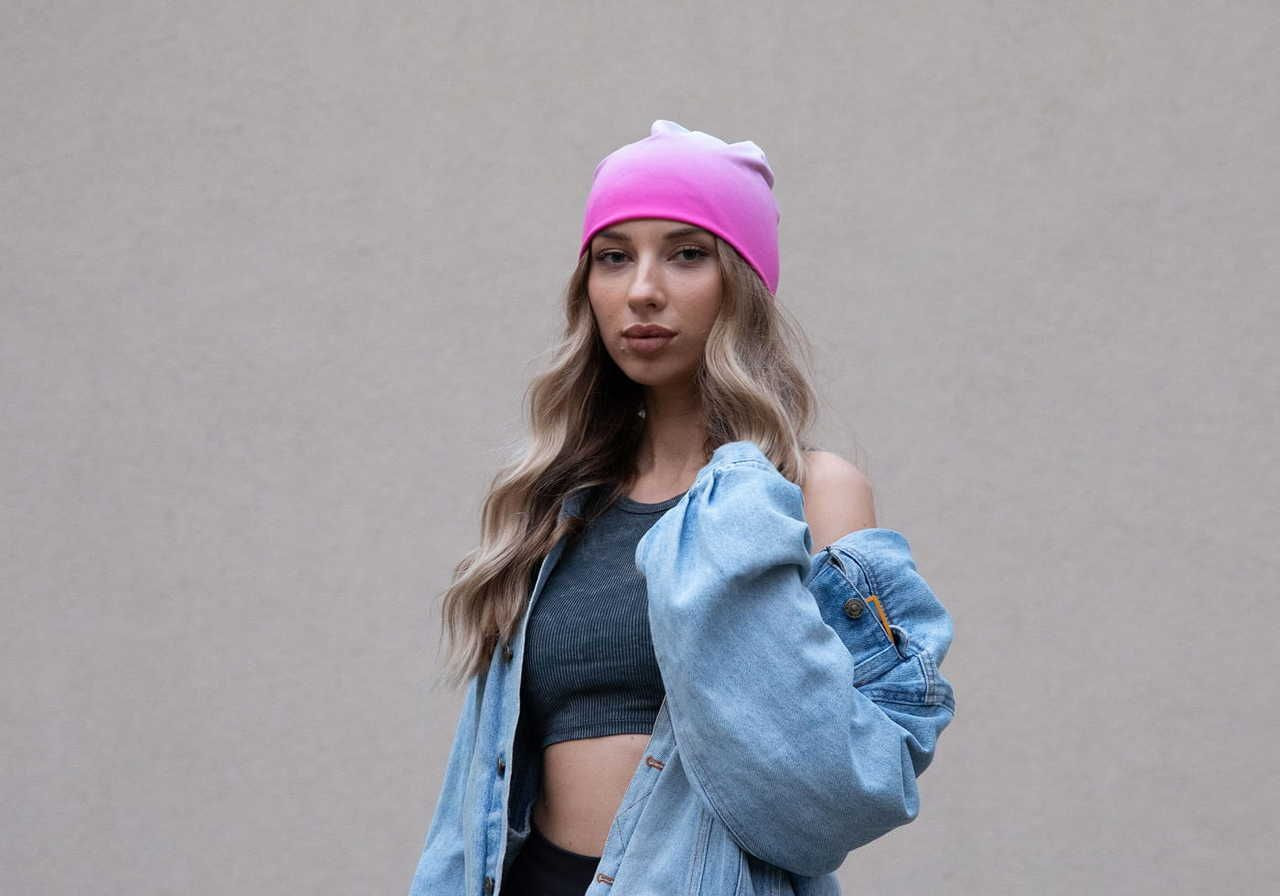
Besides apparel, you can print sublimation designs on accessories like:
Since the special ink bonds to the surface, these items hold their color through daily use. Popular sublimation projects in this category include slip-on canvas shoes, an AOP recycled scrunchie, and an AOP gym bag.
Mugs
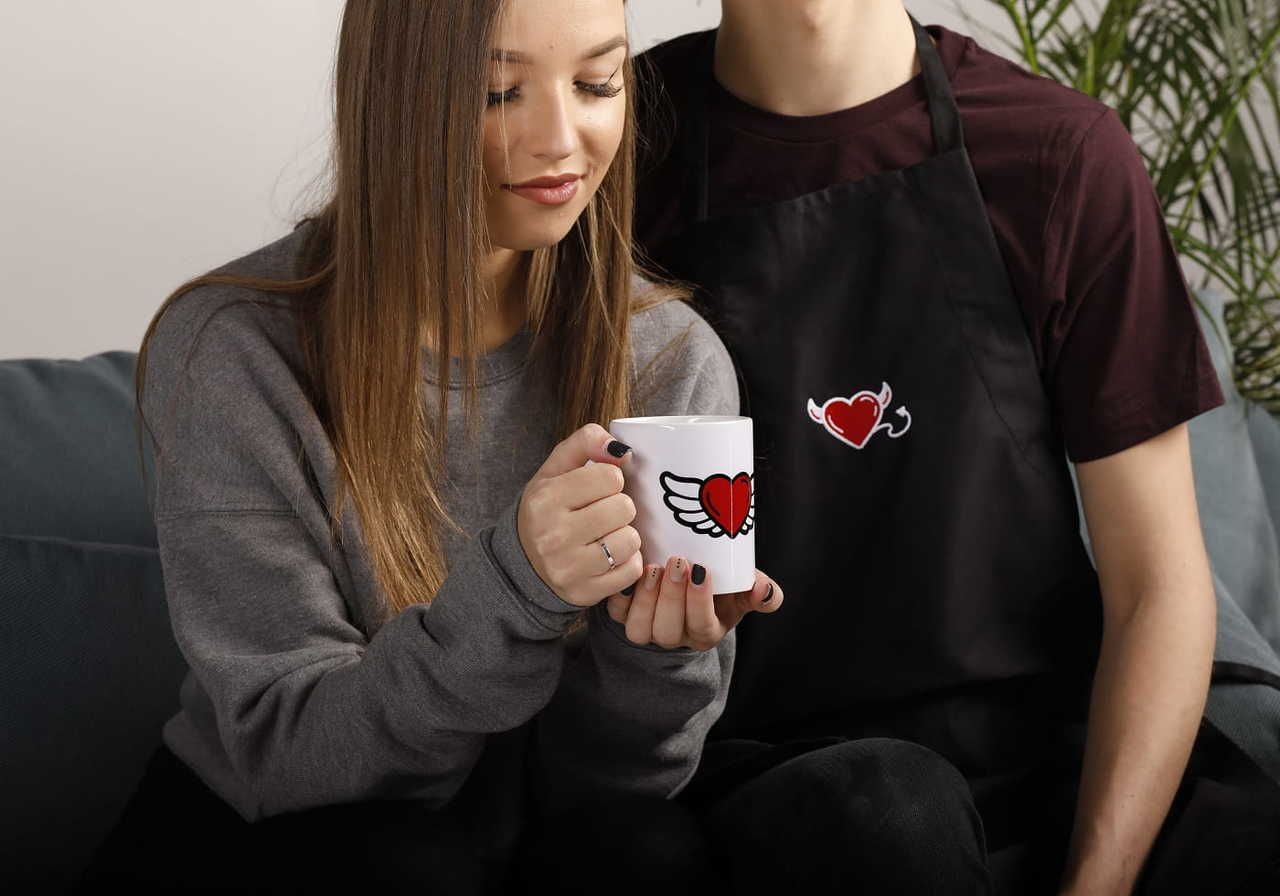
For custom mugs, your design is printed onto transfer paper with dye-sublimation ink, then transferred onto the product with heat, so the finished image fuses with its coating.
Choose from the white glossy mug, the white ceramic mug with a colored interior, the enamel mug, or the latte mug.
There’s also a black glossy mug: since the method needs a light surface, its print area is white, and Printful fills in the black background during printing. You upload a design with a transparent background, and the process handles the rest.
Home decor
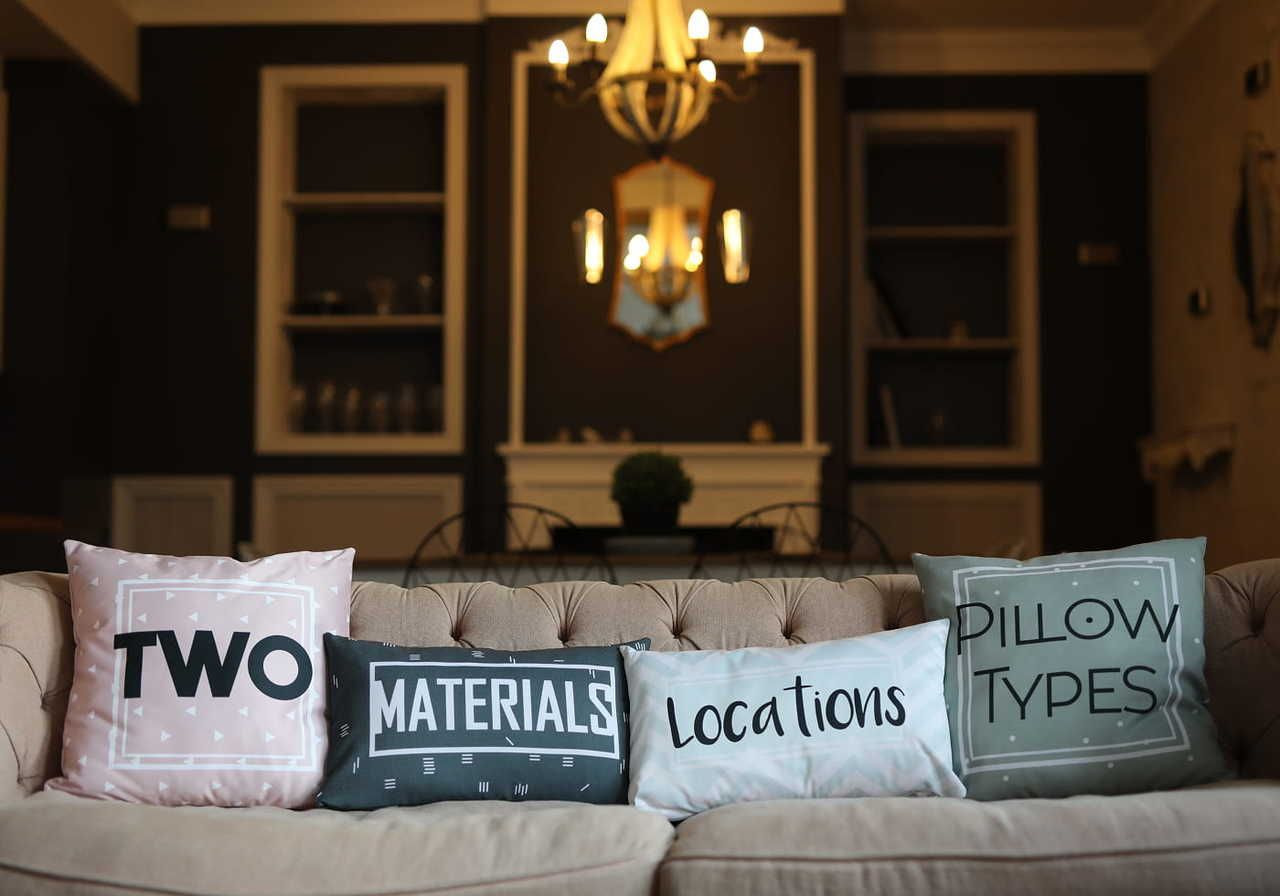
Sublimation blanks for the home cover a wide range of products, so you can bring your designs into any room.
Popular picks include a soft throw blanket for the couch, an all-over print premium pillow to match, and mouse pads for the desk.
How does sublimation compare to other printing methods?
Generally, sublimation printing suits polyester and light-colored products, while screen printing, DTG, and DTF each fit different materials and garment colors. The table below compares all four methods at a glance:
|
|
Sublimation |
Screen printing |
DTG |
DTF |
|
How it works |
Dye turns to gas and bonds to the fiber |
Ink pushed through a screen onto the surface |
Ink jetted directly into the fabric |
Design printed on film, then heat-pressed on |
|
Best materials |
Polyester and synthetic blends only |
Cotton, blends, and synthetics |
Cotton and high-cotton blends |
Cotton, polyester, fleece, nylon, blends |
|
Fabric colors |
White or light only |
Any color |
Any color (dark garments need a white underbase) |
Any color |
|
Colors per design |
Unlimited, including gradients |
Limited per screen |
Unlimited |
Unlimited |
|
Print coverage |
Seam-to-seam, whole garment |
Set print area |
Platen-sized area |
Set print area |
|
Setup time |
Quick – no screens or plates |
Slower – a screen per color |
Quick – prints straight to the garment |
Moderate – requires printer, powder, and heat press |
Here’s how sublimation stacks up against each customization technique:
Sublimation vs screen printing
Both screen printing and sublimation transfer designs onto fabric, but they suit different jobs. Here are the key differences at a glance:
-
Number of colors. Sublimation reproduces unlimited colors, gradients, and photographic detail in a single pass. Screen printing uses a separate screen for each color, so most designs are limited to a handful of colors.
-
Material. Sublimation only bonds with polyester and other synthetic fabrics. Screen printing works across cotton, blends, and synthetics alike, since it uses regular ink that sits on the surface rather than soaking into the fibers.
-
Print area. Sublimation prints seam-to-seam across the entire garment, while screen printing is confined to a specific print area.
-
Setup time. Dye sublimation printers need no screens or plates, so they’re faster to set up and better suited to one-off and small-batch orders. Screen printing is more cost effective at higher volumes, once the per-screen setup is spread across many units.
Sublimation vs DTG
Both sublimation and DTG embed ink into the fabric rather than layering it on top, but they work on different materials and perform differently over time.
-
Material. Sublimation is only suitable for polyester and polyester blends. DTG works best on 100% cotton or fabrics with a high cotton content.
-
Base color. Sublimation is limited to white or light-colored materials because it can’t print white ink. DTG prints on any fabric color, though it needs to lay down a white underbase first on dark garments.
-
Print area. Dye sublimation covers the entire garment seam-to-seam. DTG is limited by the printer’s platen size, so the design is constrained to a set print area.
-
Durability. Sublimation dye becomes part of the polyester fiber, so it’s less likely to wash out. DTG pigment doesn’t fuse with the fabric in the same way and can gradually lighten over many washes.
-
Setup time. DTG prints directly onto the garment, skipping the transfer paper and heat press processes, with no cutting or sewing afterward. That means fewer steps from design to finished product.
Sublimation vs DTF
Here’s how DTF vs sublimation differ:
-
Process. Sublimation uses heat to turn dye into a gas that bonds to the fabric. DTF prints the design onto film first, then transfers it to the garment with heat and adhesive, so the print sits on top of the fabric rather than dyeing the fibers.
-
Material. Sublimation only works on polyester and synthetic blends, while DTF works across cotton, polyester, fleece, nylon, and blends.
-
Base color. Sublimation printing requires a white or light surface. DTF prints on any fabric color, including dark garments, since the design transfers as its own layer.
-
Print quality. Sublimation dye becomes part of the fiber, so there’s no print layer to wear. DTF prints hold up well and resist cracking or peeling when washed from cold to lukewarm, though they can feel slightly stiff at first and soften after a few washes.
Printful’s version of this method is DTFlex, a direct-to-film technique refined through more than a decade of testing for on-demand apparel. It’s tuned for clean edges with no white borders or glue residue, and the prints remain flexible, resisting cracking during cold-to-lukewarm washes.
How to prepare a design file for sublimation printing
Learning how to do sublimation well starts with the file itself. Before your AOP design reaches the sublimation printer, it needs the right file format, resolution, and color setup, to help ensure the finished print matches what you see on screen.
Get the following right in your sublimation design files:
-
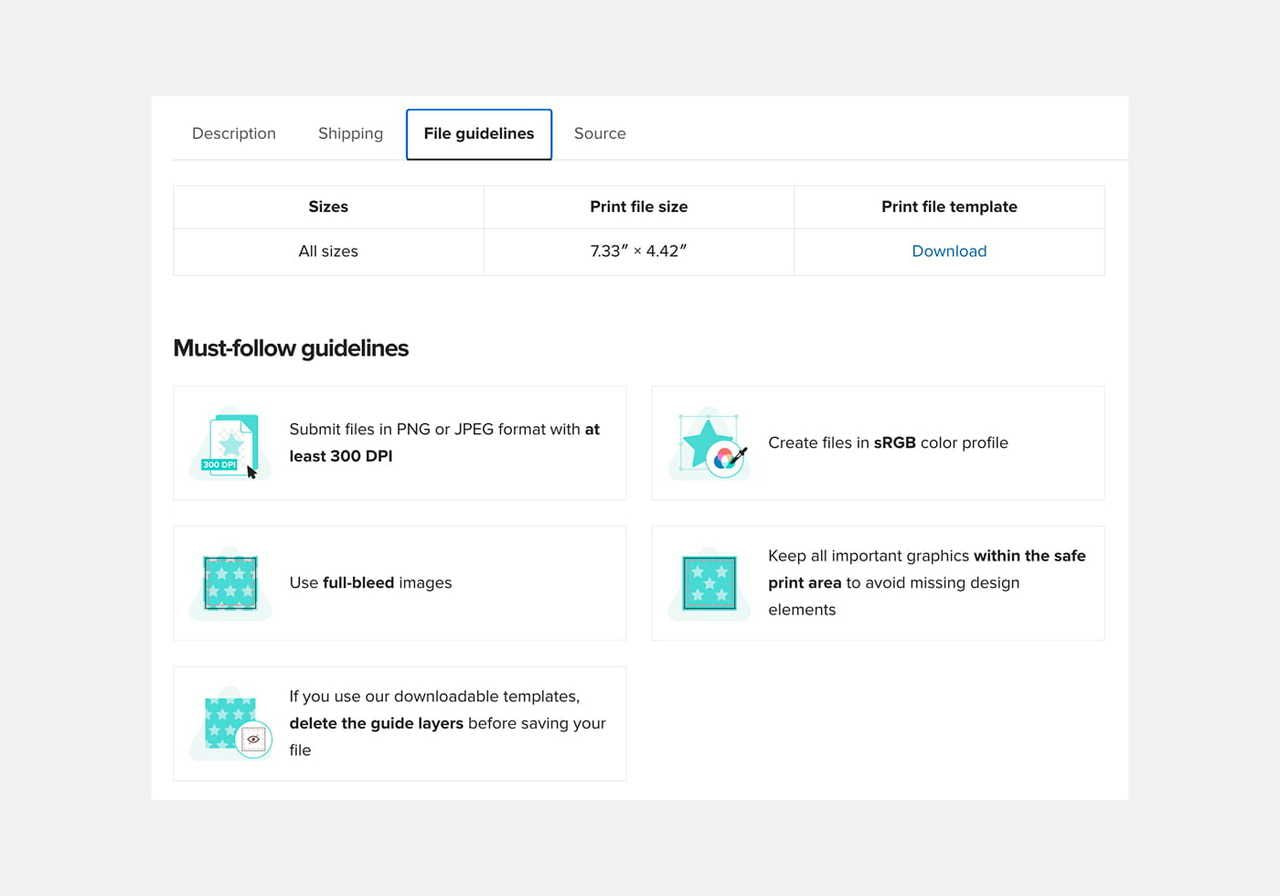
File format. Submit your design as a PNG or JPG.
-
Resolution. Aim for at least 150 DPI, depending on the product. Some products, like mugs and phone cases, call for 300 DPI, and avoid going above that. Each product page lists its exact requirements under the File guidelines tab.
-
Color profile. Build your file in the sRGB color profile so the printed colors stay close to what you see on screen.
-
Size. Match your design to the product’s print dimensions, listed in the File guidelines tab on each product page. Anything larger than the print area will be scaled down.
-
Bleed. Use full-bleed images that fill the whole template. If your design covers only part of the print area, set the background to transparent and save as PNG.
-
No white borders. In sublimation, any white or blank area in your file prints as the color of the product underneath. Remove white borders and stray background to get full, edge-to-edge color.
Get free sublimation designs in Printful’s Design Maker
Printful’s Design Maker includes ready-made sublimation patterns you can use as-is or layer behind your own artwork.
To find them, choose any AOP product from the Catalog and click Start designing. In the Design Maker, navigate to the Fill tab and choose to apply solid Colors, free ready-made Graphics, or paid Patterns and Premium Images for more detailed backgrounds.
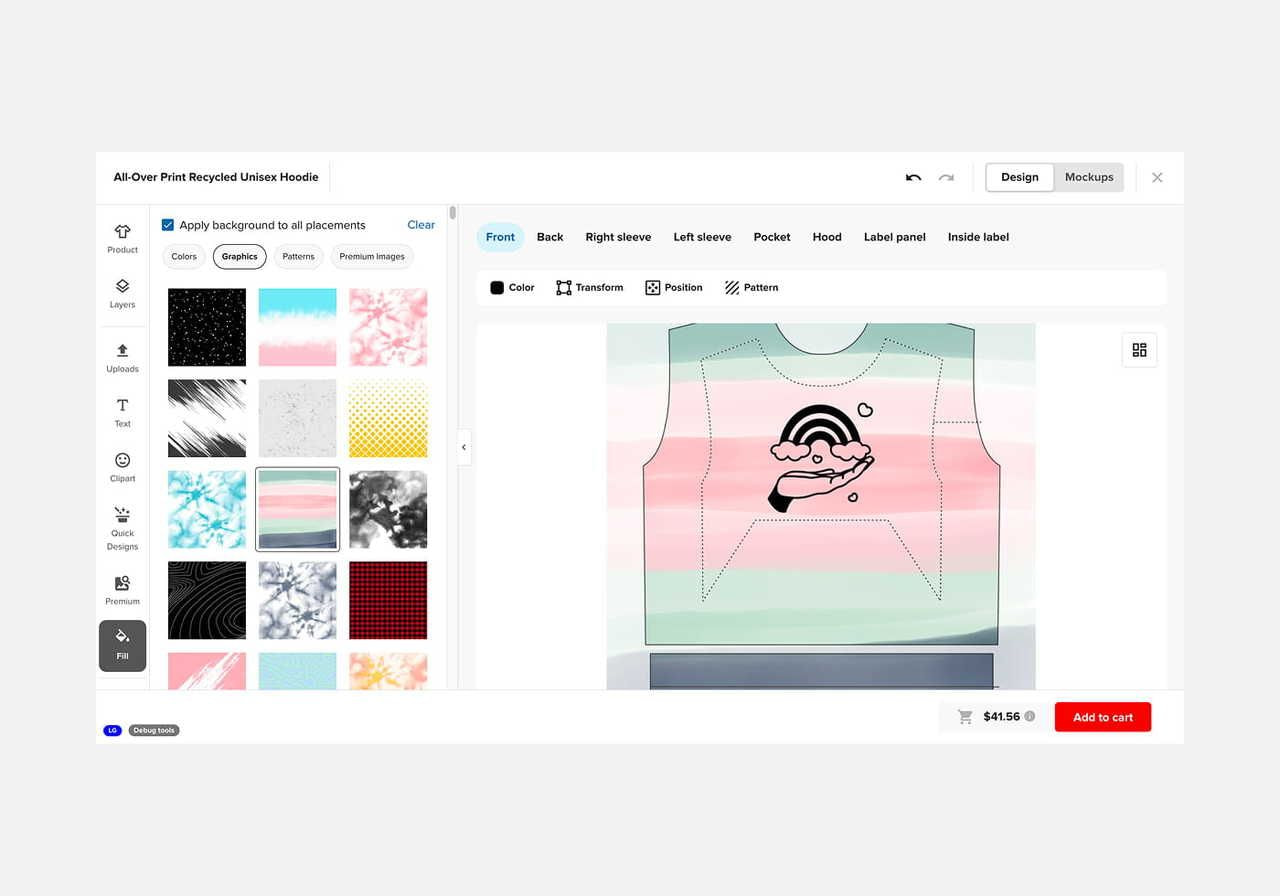
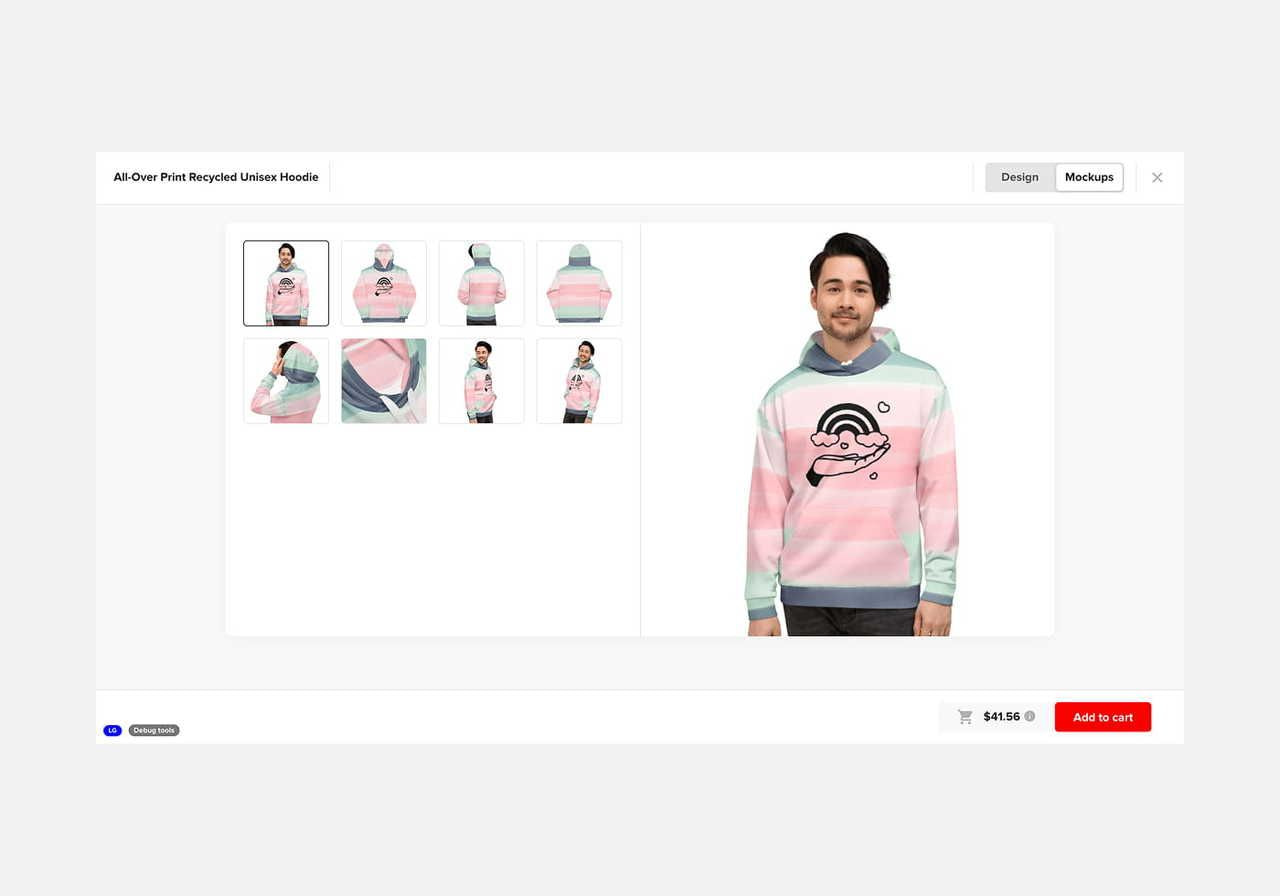
Check the Apply background to all placements box to drop your choice onto every print area at once, or leave it unchecked to set each area separately. Switch to the Mockups tab to preview the finished result before you save.
That’s all about sublimation printing
So, what is sublimation printing on shirts? It’s a heat-based process that turns dye into a gas and bonds it into polyester, giving you a seam-to-seam color that won’t crack or fade. The same method can be used across mugs, bags, home decor, and more.
With over 190 sublimation products in the Printful Catalog – from activewear and swimwear to hats and mouse pads – you have plenty to design. Pick a custom product, upload your artwork, and start building your line with Printful today.
Sublimation FAQs
Sublimation printing has three main limitations: it only works on polyester or polyester-coated surfaces, it needs a white or light base since the process can’t print white ink, and it can leave white creasing on ready-made garments. For cotton or dark fabrics, DTG or DTF is a better fit.
No, you need a dedicated sublimation printer loaded with sublimation ink, which turns into a gas at high heat and bonds with the material. A regular inkjet printer uses standard ink that isn’t designed to transfer this way, so it can’t produce sublimation prints.
A regular printer uses standard ink to print directly onto paper for everyday documents. A dye sublimation printer uses sublimation ink and special transfer paper to print a design that a heat press then transfers onto fabric or coated products. Under heat, the ink skips the liquid phase and turns straight to gas, which is the key difference between the two.

Maisha is a content writer with 6+ years of experience in turning complex topics into clear, search-optimized content. She believes readability always wins, no matter how SEO trends shift. Outside of writing, she’s usually trying new recipes (but never following them), watching niche YouTube videos, or planning food-fueled adventures.

